
YOUR EVERYDAY AI, ON ANDROID
QwinAI.
A little more
possible.
Write, think, code and create.
Your AI tools, together in one app.
Free to download · Contains ads and in-app purchases
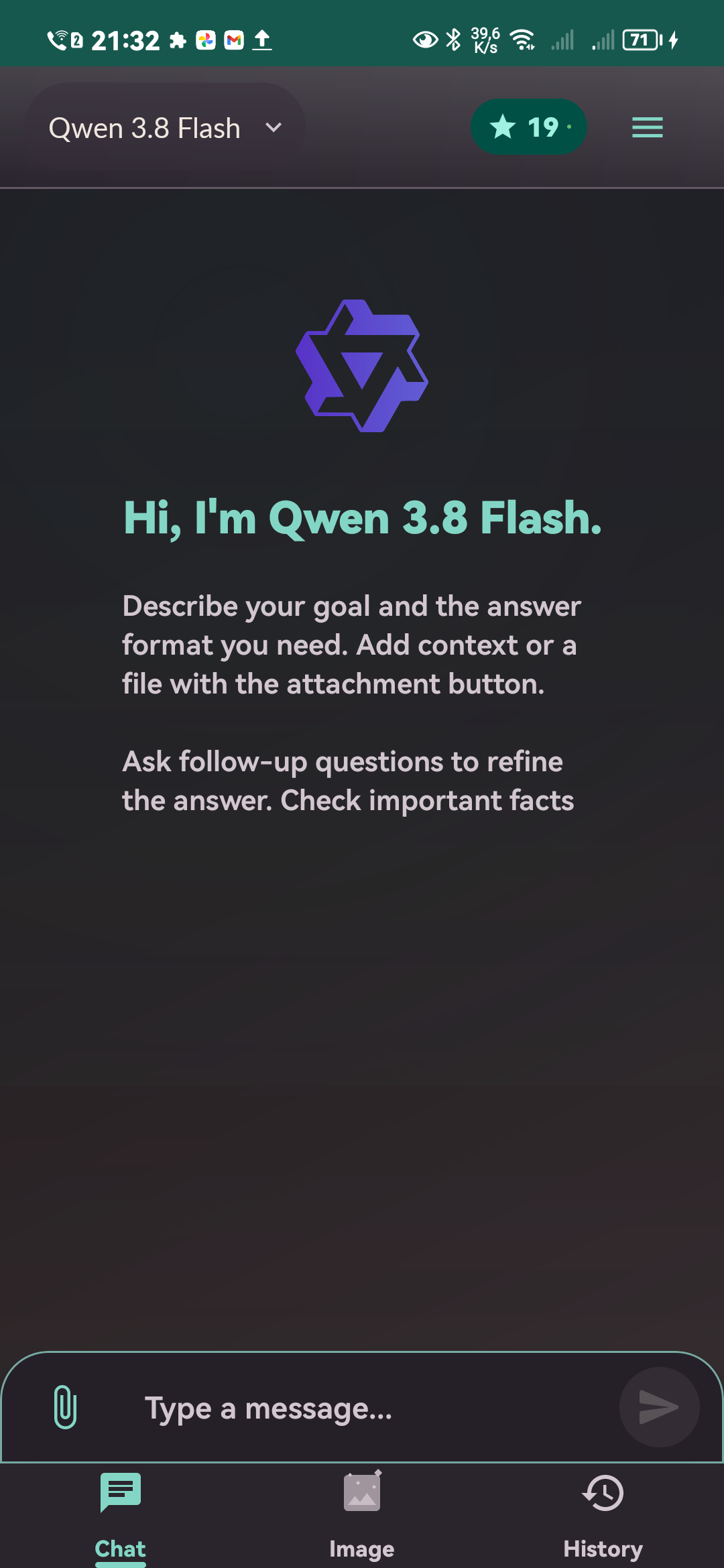
ONE CONVERSATION. MANY DIRECTIONS.
What’s on
your mind?
A first draft. A tricky concept. A file full of details.
Start wherever you are.
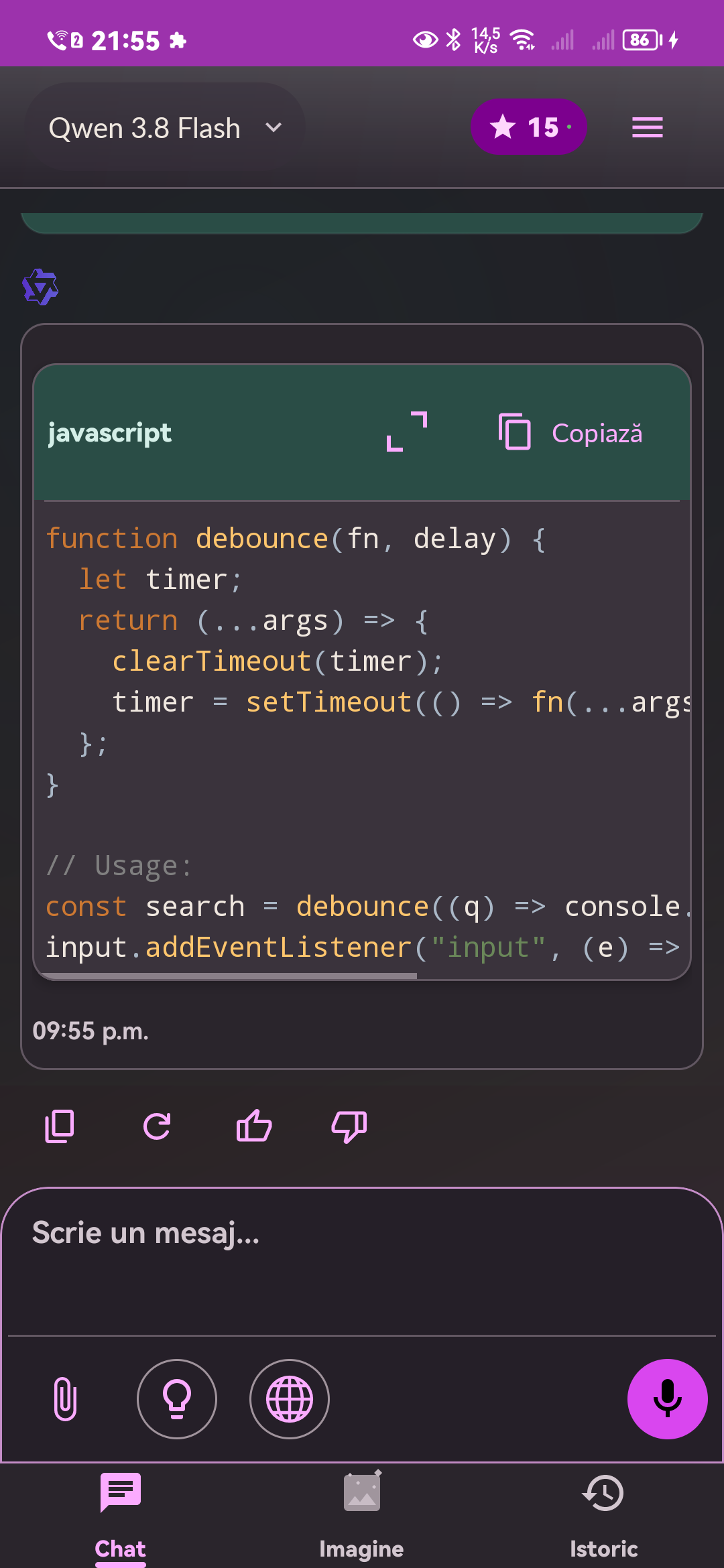
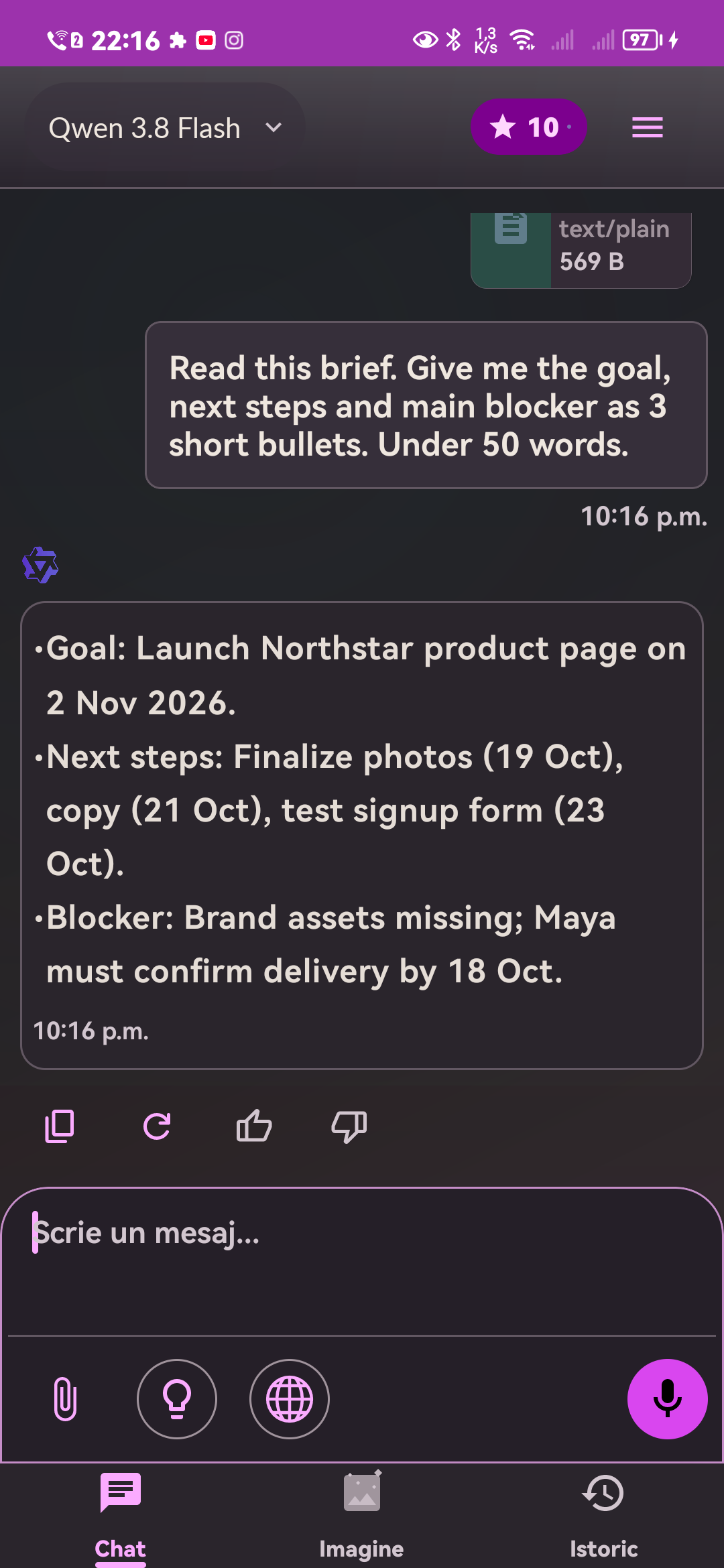
Your tools. Your conversation. Your pace.

GIVE YOUR IMAGINATION SOME SPACE
From a thought
to an image.
Describe what you see in your mind. Explore image creation and supported editing tools, right alongside your conversations.
Make something with QwinAIImage example created with QwinAI.
What can I use QwinAI for?
Use QwinAI for conversations, writing and rewriting, studying concepts, coding help, supported document analysis, and image creation. Features and model availability can vary by app version, plan and region.
Is QwinAI free to download?
Yes. The app is free to download and includes ads and optional in-app purchases. Available credits, subscriptions and current prices are shown in the app and your app store.
Which devices can I use?
QwinAI is an Android app. Open the Google Play or Huawei AppGallery listing to check compatibility with your device.
Can I use QwinAI on this website?
This is the official information and download website. Conversations and AI tools are available in the Android app.
How do I manage or delete my data?
In the app, open Settings to manage your preferences and use Delete Account. For help with privacy or a deletion request, contact support@qwinai.app. See the Privacy Policy for details.
TAKE THE NEXT THOUGHT FURTHER
A good place
to start.
Put QwinAI in your pocket.
Free to download. Optional in-app purchases.